
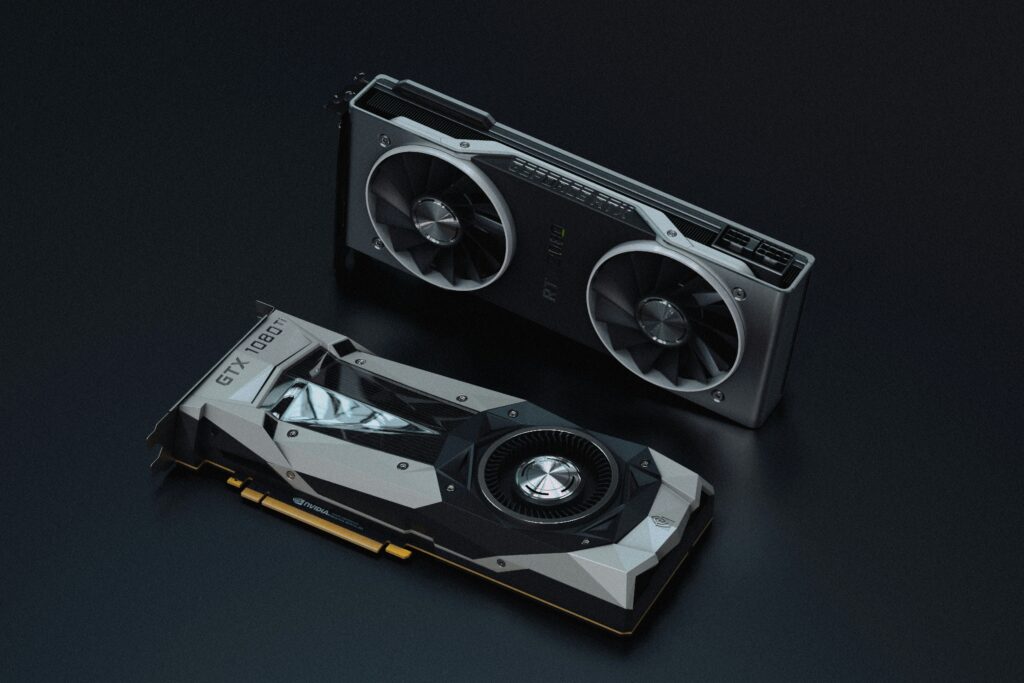
A graphics card upgrade is one of the more expensive decisions in PC building, and it’s easy to either wait too long, missing out on real performance gains, or upgrade too early, spending money on marginal improvement that doesn’t justify the cost. Knowing when the upgrade actually makes sense, and then handling the sale of the old card properly afterward, turns what could be an expensive gamble into a more calculated decision with a partial payoff at the end.
Signs It’s Time to Upgrade Your Graphics Card
The clearest signal that a GPU needs replacing is a consistent gap between what you want to do and what the hardware can actually deliver. Frame rates dropping noticeably below acceptable levels in current games, especially at settings that used to run smoothly, points to a card that’s genuinely falling behind rather than just needing a driver update or a settings adjustment. Creative and productivity workloads, like video editing or 3D rendering, show similar signs through longer render times or software that struggles to keep up with newer project file sizes and effects.
Age alone isn’t a reliable indicator, since a well-matched card from a few years ago can still perform adequately if paired with realistic expectations and settings. The more useful question is whether the card meets the requirements of the software and games actually being used today, not whether it’s reached some arbitrary number of years in service. A card that still handles current workloads comfortably doesn’t need replacing just because newer models exist on the market.
Benchmarking Performance Gaps Before You Commit
Before spending money on a new card, running actual benchmarks on the current one establishes a concrete baseline rather than relying on a general sense that performance feels slow. Built-in benchmarking tools within games, along with dedicated benchmarking software, provide frame rate data across different settings that makes the decision far more objective than guesswork based on impression alone.
Comparing those numbers against published benchmarks for candidate replacement cards shows the real-world performance gap rather than just the difference in specifications on paper. This step matters because marketing numbers and raw specifications don’t always translate directly into the performance improvement a specific use case will actually see. Someone planning to sell GPU hardware as part of an upgrade benefits from this same benchmarking process twice: once to justify the new purchase, and again to document the old card’s performance honestly for potential buyers, since accurate benchmark numbers in a listing tend to build more buyer confidence than vague condition descriptions alone.
Testing Your Old GPU Before Listing It
Once the decision to upgrade is made, the old card needs to be tested thoroughly before it goes up for sale. Running a stress test, using tools like FurMark or a similar GPU benchmarking utility, checks for stability issues, unusual thermal behavior, or artifacting that might not show up during light everyday use but would matter significantly to a buyer running demanding applications.
Visual inspection matters just as much as software testing. Checking for bent or damaged display outputs, examining the PCIe connector for wear, and confirming the cooling fans spin freely without unusual noise or wobble all catch problems that a quick power-on test might miss. Anyone planning to sell GPU hardware should also check the card’s actual clock speeds and memory timings against factory specifications, since a card that’s been overclocked and pushed hard for an extended period sometimes shows reduced stability at its original rated speeds, which is worth knowing and disclosing honestly rather than discovering after a sale is already complete.
Pricing Your GPU Based on Real Market Data
GPU pricing fluctuates more than most computer components, driven by factors like new model releases, chip supply issues, and periodic surges in demand from cryptocurrency mining or AI computing workloads that can temporarily inflate or deflate used prices in ways that have little to do with the card’s actual gaming performance. Checking recent completed sales for the exact model on resale marketplaces gives a far more accurate picture of current value than relying on original retail pricing or outdated price guides.
Condition and included accessories affect the final number too. A card with original packaging, all included cables, and a clean service history tends to command a better price than an identical model sold bare, particularly for buyers who value having documentation of how the card was used and maintained. Comparing a few different valuation sources, including instant-quote buyback platforms alongside marketplace listings, helps confirm a price range that reflects genuine current demand rather than an outdated number from when the card was first purchased.
Packaging Your GPU for Safe Shipment
Graphics cards are more fragile in transit than their solid appearance suggests, and improper packaging is a common cause of damage claims and disputes after a sale. The card should be placed in an anti-static bag if one is available, then wrapped with padding around the PCB and cooling shroud to prevent flexing or impact during handling. Original retail packaging, if it’s been kept, provides molded inserts designed specifically for this purpose and offers noticeably better protection than generic bubble wrap alone.
For shipments without original packaging, using a sturdy box with several inches of padding on all sides, and securing the card so it can’t shift or rotate inside the box, reduces the risk of PCB flex or connector damage during transit. Fragile stickers and clear labeling on the outside of the box alert carriers to handle the package with additional care, which matters more for GPUs than for smaller, sturdier electronics.
Final Analysis
Deciding when to upgrade a GPU comes down to honest benchmarking against real workloads rather than chasing new releases out of habit, and the old card’s sale works out best when handled with the same methodical approach. Testing thoroughly, pricing based on current market data rather than outdated expectations, and packaging carefully for shipment all protect the value built into that upgrade decision. Treating the sale of the old card as part of the upgrade process, rather than an afterthought handled carelessly once the new one arrives, consistently results in a better return and a smoother transaction on both ends.
 Jerold Daileytodds is the kind of writer who genuinely cannot publish something without checking it twice. Maybe three times. They came to ai algorithms and machine learning through years of hands-on work rather than theory, which means the things they writes about — AI Algorithms and Machine Learning, Tech Toolkit Solutions, Scribus Network Protocols, among other areas — are things they has actually tested, questioned, and revised opinions on more than once.
That shows in the work. Jerold's pieces tend to go a level deeper than most. Not in a way that becomes unreadable, but in a way that makes you realize you'd been missing something important. They has a habit of finding the detail that everybody else glosses over and making it the center of the story — which sounds simple, but takes a rare combination of curiosity and patience to pull off consistently. The writing never feels rushed. It feels like someone who sat with the subject long enough to actually understand it.
Outside of specific topics, what Jerold cares about most is whether the reader walks away with something useful. Not impressed. Not entertained. Useful. That's a harder bar to clear than it sounds, and they clears it more often than not — which is why readers tend to remember Jerold's articles long after they've forgotten the headline.
Jerold Daileytodds is the kind of writer who genuinely cannot publish something without checking it twice. Maybe three times. They came to ai algorithms and machine learning through years of hands-on work rather than theory, which means the things they writes about — AI Algorithms and Machine Learning, Tech Toolkit Solutions, Scribus Network Protocols, among other areas — are things they has actually tested, questioned, and revised opinions on more than once.
That shows in the work. Jerold's pieces tend to go a level deeper than most. Not in a way that becomes unreadable, but in a way that makes you realize you'd been missing something important. They has a habit of finding the detail that everybody else glosses over and making it the center of the story — which sounds simple, but takes a rare combination of curiosity and patience to pull off consistently. The writing never feels rushed. It feels like someone who sat with the subject long enough to actually understand it.
Outside of specific topics, what Jerold cares about most is whether the reader walks away with something useful. Not impressed. Not entertained. Useful. That's a harder bar to clear than it sounds, and they clears it more often than not — which is why readers tend to remember Jerold's articles long after they've forgotten the headline.